
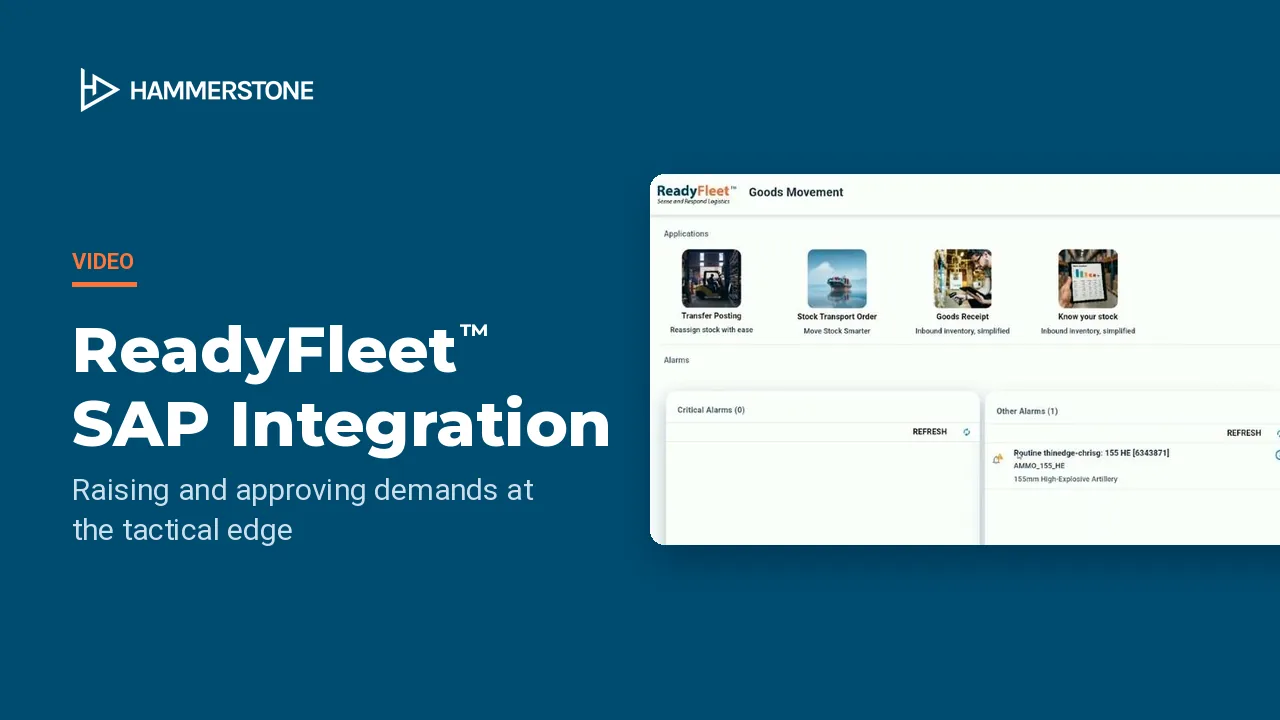
In this video
- How field personnel raise operational, priority and maintenance demands (OPDEM, PRIDEM and MAINTDEM) in ReadyFleet™ Tac, on a ruggedised device running the D-JMILS application
- Item searches, NSN mapping and categorised demand types, with every detail captured offline
- How demands queue automatically and transmit to ReadyFleet™ HQ when connectivity allows
- How logistics officers at the deployed headquarters review demands, check local stock availability and approve them in ReadyFleet™ HQ
- How ReadyFleet™ triggers SAP transactions, such as stock transport orders, post goods issue and goods receipt, even in disconnected mode
- Full visibility of the demand lifecycle at the edge and at HQ, including SAP transaction references, audit logs and item status
Key moments
- 0:00 Introduction
- 0:26 Demand management from the tactical edge to SAP
- 0:59 Raising a demand in ReadyFleet™ Tac
- 1:56 Review and approval in ReadyFleet™ HQ
- 2:20 Checking stock and creating a stock transport order
- 2:59 Tracking SAP transactions in ReadyFleet™
- 3:19 Fulfilling the order from the supplying warehouse
- 3:39 Packing onto a D-JMILS platform
- 3:59 Post goods issue and in-transit visibility
- 4:39 Goods receipt at the destination
- 5:18 Closing the loop
In operational environments, the ability to raise, manage and fulfil equipment and maintenance demands efficiently is critical, especially at the tactical edge. This demonstration highlights how ReadyFleet™ enables an end-to-end process, from demand generation in the field through approval workflows and into SAP, all while supporting disconnected operations. Let’s take a closer look at how this scenario plays out in the deployed context.
In this scenario, we demonstrate how ReadyFleet™ supports the full lifecycle of demand management, from the tactical edge through to SAP execution. The process begins with a demand raised in ReadyFleet™ Tac, the local D-JMILS application, using an operational, priority or maintenance demand type. The demand is sent to the deployed headquarters, ReadyFleet™ HQ, for review and processing. Once approved, the demand triggers the relevant SAP transactions, even in disconnected field environments. Throughout the process, ReadyFleet™ maintains full visibility of demand status, including SAP transaction outcomes and order blocks.
The process begins by raising a demand at the tactical edge using ReadyFleet™ Tac. Here we see the demand table is currently empty. No active requests have been raised yet. We move to the demand form to create a new entry. This form captures all the key fields needed to define the demand. These fields follow NATO standards, ensuring interoperability across coalition logistics systems. In this example, we’re submitting a single item identified by its NSN, or NATO Stock Number, with a requested quantity. While this demonstration focuses on one equipment item, the system supports a wide range of demand types and categories. Once the details are complete, we save the form and send the demand, initiating the workflow towards headquarters for review and fulfilment.
The demand from ReadyFleet™ TAC is synchronised to ReadyFleet™ HQ, as used by the higher headquarters, for review and fulfilment. Logistics officers review the details, check local stock availability, and make any necessary updates or notes. Once verified, the demand is processed and issued for fulfilment in the next step of the flow.
ReadyFleet™ supports a range of goods movement transactions, including transfer postings, stock transport orders, goods receipts and stock availability checks. In this case, we’re actioning the demand for some 155mm ammunition. We begin by reviewing the alarm and checking available stock across connected plants. Quantities are displayed per location, allowing us to quickly identify where stock is available. We select a suitable location and initiate the transfer to fulfil the demand. The stock transport order is automatically populated with supplying and receiving plants, posting date and delivery details, ready for execution.
Returning to the alarm, we can check on the progress of the SAP transactions. The interface shows key events, like the successful creation of a stock transport order and the outbound delivery, along with their document IDs. This allows us to track status in real time and follow up if needed with the exact SAP references.
With these transactions confirmed, we can now continue the process in SAP. As this is a two-step stock transport order, the requested stock is being transferred from one warehouse location to another. In this case, we’re operating from the supplying warehouse, the source location responsible for fulfilling the delivery. Next, we’re packing the 155mm ammunition onto a D-JMILS platform, specifically a CROP and a JMIC, to prepare it for transport.
The next step in SAP is the post goods issue. This confirms the delivery is ready to roll out from the warehouse, and at this point ReadyFleet™ is automatically notified that the delivery has been packaged onto the D-JMILS platform. Back in ReadyFleet™, the master load list has been received from SAP, showing the delivery details linked to the D-JMILS platform. This includes the CROP, JMIC and associated delivery ID. At this point, the platform is considered in transit. Let’s now check the logs on the stock transport order in ReadyFleet™, where the inbound delivery details are now visible.
With the inbound delivery now at its destination, we can complete the process by performing the goods receipt, entering the required delivery number and dates. The system retrieves a full manifest showing the 155mm ammunition, CROP and JMIC. Quantities and locations are reviewed, and accepted items are selected for receipt. Once submitted, the stock is officially received into the destination location, closing out the demand cycle.
Returning to the demand, we can track its status and confirm that the goods receipt has been successfully logged. Tracing the process back through to ReadyFleet™ HQ, we can now see that the demand is complete, and the details of the SAP transactions are available here for reference, providing full visibility across each step of the process. Returning to where the workflow began, in ReadyFleet™ TAC, we can now see that the demand has been marked as complete, effectively closing the loop.
